Best photos, picked on your iPhone
Pickety reads your photos on the phone to choose the best ones. No photo is uploaded anywhere.
 Pickety

Pickety finds your trip, picks the best shots, drops the look-alikes and writes the caption. All on your iPhone. Then it hands the post to Instagram, RedNote, Pinterest or any app.
For iPhone. Not on the App Store yet.
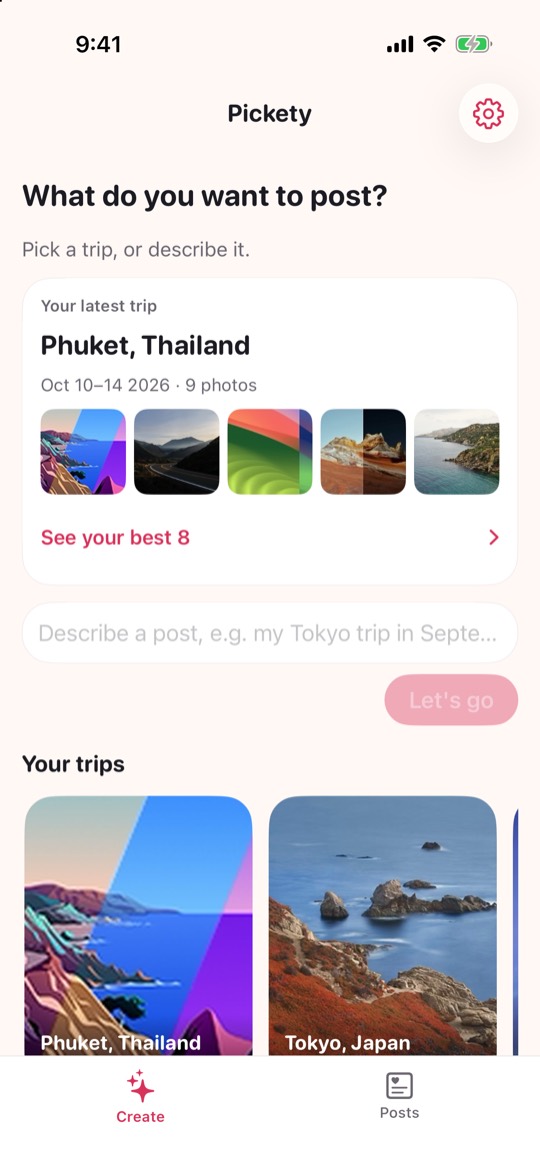
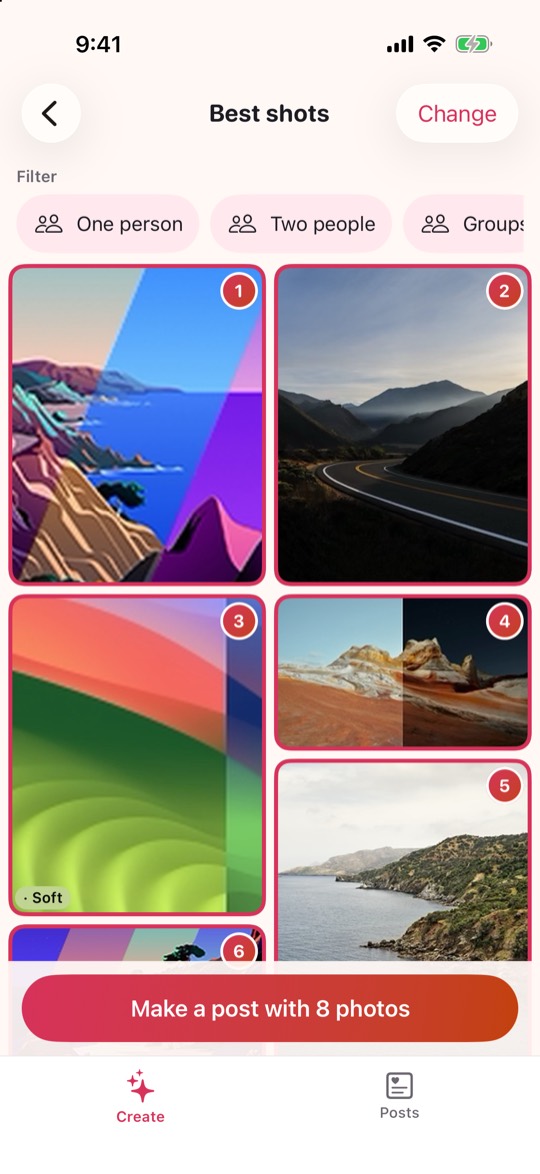
No sorting, no scrolling through 900 photos.
Your photo locations and dates become trip cards. Tap one, or describe the post you want.
Pickety looks at sharpness and light, skips near-duplicates and numbers your picks. Change any of them.
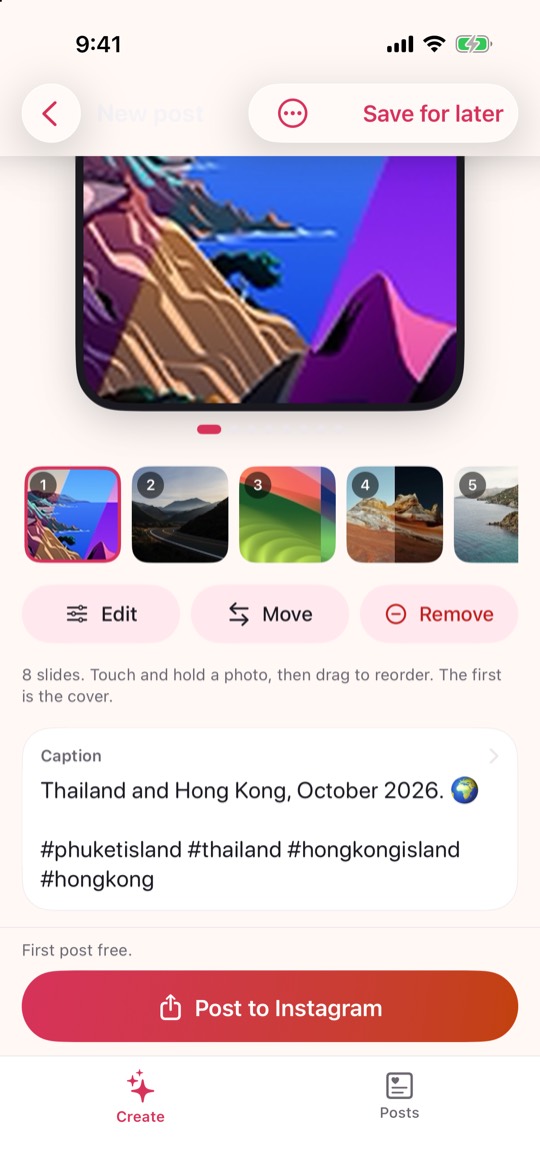
A caption is written for you and you can edit every word. Then share it where you like.
Pickety reads your photos on the phone to choose the best ones. No photo is uploaded anywhere.
Apple Intelligence writes the caption on your phone, in the style you choose. Other iPhones get simple captions you can edit.
One tap hands your photos and caption to the app you choose, or to any app that can share.
No sign-in, no analytics and no ads. Your saved posts stay on your iPhone.
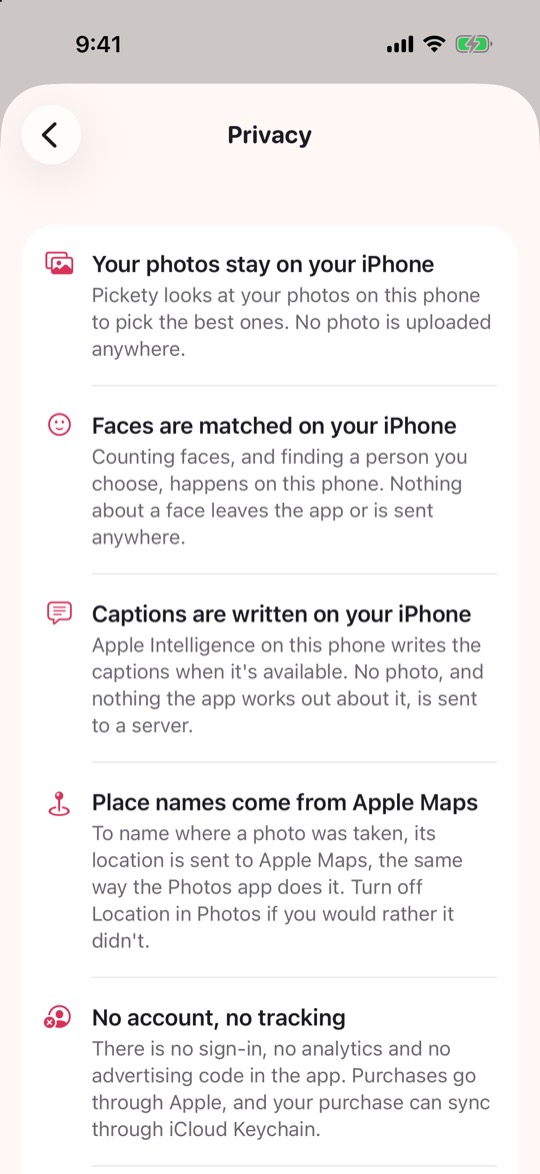
The same promise is written inside the app, in plain words, and in the full policy.
Help for Pickety, and a person to write to.
We reply within a few days.
Trips are found from photos that have a location. Turn on Location for the Camera app, or use "Jump back in" to start from a time instead.
Smart captions need an iPhone with Apple Intelligence turned on (Settings > Apple Intelligence & Siri). Without it, Pickety writes simple captions that you can edit.
Your first finished post is free. After that there is one payment, no subscription. It works with Family Sharing.
Tap the gear on the Create or Posts tab, then Restore purchase.
On your iPhone only. If you delete the app, they are deleted too.
Pickety saves temporary copies and walks you through choosing them in Instagram. The copies are removed when you finish.